
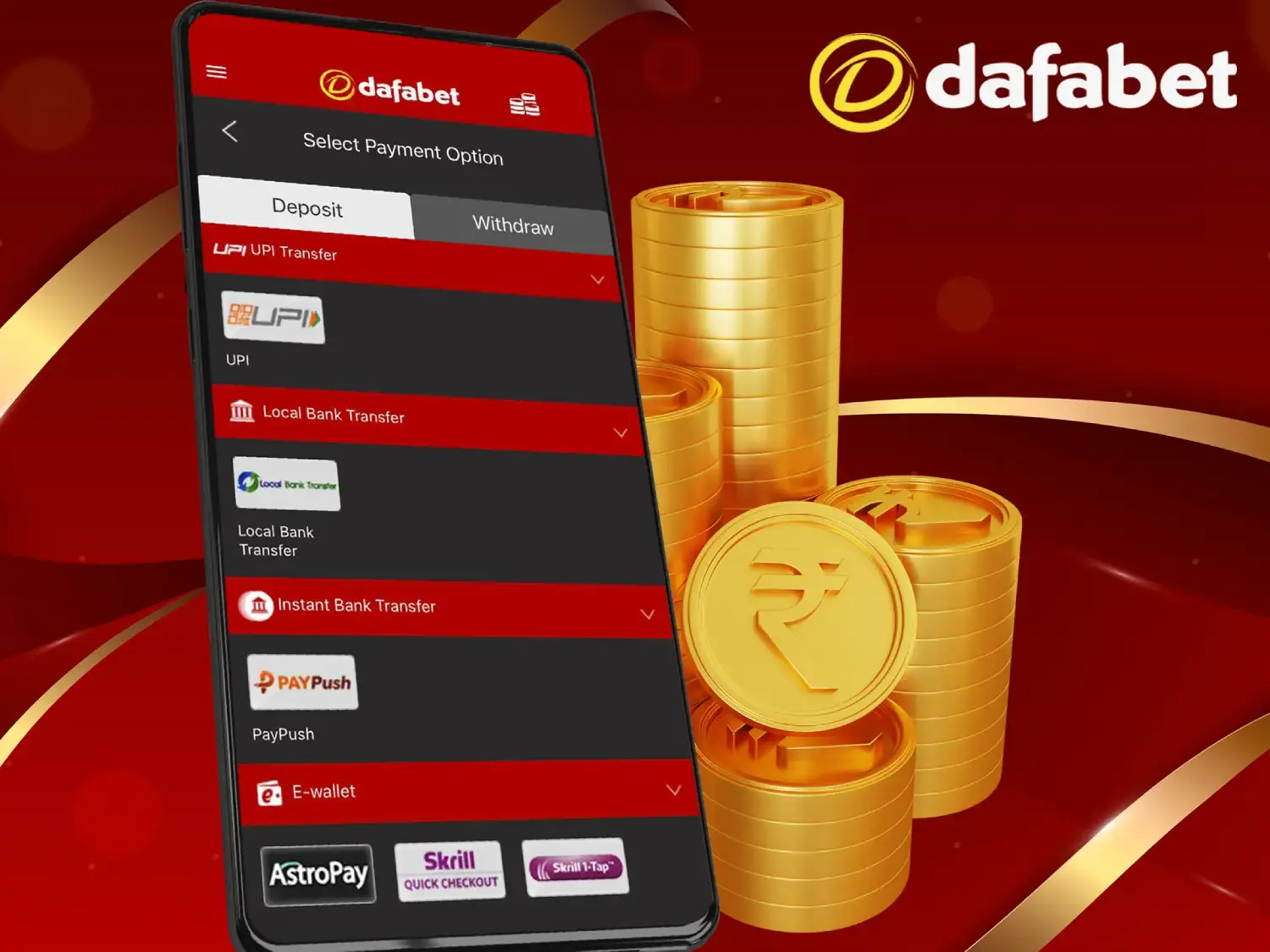
You’ve made a deposit, the money has left your bank or wallet — but your Dafabet balance hasn’t moved. It’s the most stressful issue in online betting, and the good news is that in most cases it’s resolvable if you follow the right process and provide the right transaction details.
This guide walks through every common Dafabet deposit problem, the exact steps to fix each one, what information support needs from you, and how to escalate if a deposit stays missing.

Quick answer: If money was deducted but not credited, don’t retry the payment. Save your transaction ID/UTR and a payment screenshot, wait for the standard processing window to pass, then contact Dafabet live chat with those details. Most “missing” deposits are pending transactions that either credit automatically or are credited manually once support matches your transaction reference.
The 7 Most Common Deposit Issues (and Their Causes)
| # | Issue | Most Likely Cause | First Fix |
|---|---|---|---|
| 1 | Money deducted, balance not credited | Payment stuck between the payment provider and Dafabet’s processor | Wait the processing window, then raise it with support using your UTR/transaction ID (full steps below) |
| 2 | Payment declined instantly | Your bank or card issuer blocks gambling transactions | Try an e-wallet or alternative method; ask your bank about gambling-merchant restrictions |
| 3 | Deposit shows “Pending” for hours | Processor delay or banking-hours lag (common with bank transfer/NEFT) | Pending is not failed — give it the stated window before raising a ticket |
| 4 | Deposit page won’t load / errors out | App cache, weak connection, or outdated app version | Clear cache, switch networks, update to the latest APK from the official site |
| 5 | “Transaction failed” but money was debited | Timeout during payment — debit succeeded, confirmation didn’t reach Dafabet | Treat as Issue 1: do NOT retry; gather proof and contact support |
| 6 | Deposit rejected for account reasons | Incomplete KYC verification, name mismatch, or deposit limit reached | Complete verification; ensure the payment source is in YOUR name |
| 7 | Method not visible / unavailable | Method not supported in your region, or temporarily offline | Check the cashier for available methods; try an alternative |
Step-by-Step: Money Deducted but Not Credited to Your Dafabet Wallet
This is the single most reported deposit problem. Follow these steps in order.
Step 1 — Stop. Don’t repeat the deposit.
If the first payment is stuck rather than failed, a retry can mean depositing twice. Resolve the first transaction before sending more money.
Step 2 — Confirm the money actually left your account
Check your bank statement, UPI app, e-wallet history or blockchain explorer (for crypto). Sometimes the debit notification appears but the payment auto-reverses within minutes. If the money bounced back, simply deposit again.
Step 3 — Collect your evidence
Gather these before contacting anyone — they are what gets deposits matched and credited:
| Evidence | Where to Find It |
|---|---|
| Transaction ID / UTR number | Your bank statement, UPI app (e.g., the 12-digit UTR), or e-wallet receipt |
| Payment screenshot | Showing amount, date, time, status “successful” and recipient |
| Exact amount and timestamp | From the payment receipt |
| Your Dafabet username | Your account profile |
| Payment method used | UPI / card / e-wallet / bank transfer / crypto (include network, e.g., TRC20) |
| Hash ID (crypto only) | From your wallet or the blockchain explorer |
Step 4 — Check your Dafabet transaction history
In the app or site, open Funds / Cashier → Transaction History. Three possible statuses:
- Pending → the payment is in flight. Wait out the processing window for that method before escalating.
- Failed (but money was debited) → a timeout broke the confirmation. Go straight to Step 5.
- Nothing listed → the payment never registered with Dafabet’s processor. Go straight to Step 5.
Step 5 — Contact live chat with everything from Step 3
Open live chat in the app or website and provide all details in your first message — username, amount, date/time, method, transaction ID/UTR, and attach the screenshot. A complete first message avoids the back-and-forth that drags cases out. Ask for, and note down, a ticket or reference number.
Step 6 — Follow up in writing
If chat can’t resolve it immediately, email the support address listed on Dafabet’s official Contact page with the same details plus your chat reference number. Email creates a paper trail with timestamps — important if you need to escalate later.
Step 7 — Raise it with your payment provider in parallel
Ask your bank, UPI app or e-wallet to confirm the payment’s final status and the beneficiary it settled to. If Dafabet’s processor never received it, your bank can initiate a chargeback or transaction-dispute process to recall the funds. Crypto deposits can’t be recalled — accuracy at the point of sending is everything.
Step 8 — Escalate if it remains unresolved
If reasonable time passes with no credit and no refund:
- Request escalation to a payments specialist within Dafabet support, quoting your ticket number and full timeline.
- File a formal complaint with the licensing regulator for your region (listed in the site footer) — regulators require licensed operators to respond to payment disputes.
- Use independent dispute platforms (e.g., AskGamblers’ complaint service) where operators publicly respond to cases.
- Pursue the bank dispute from Step 7 to its conclusion for non-crypto payments.
Keep every screenshot, email and reference number throughout — documented cases resolve; undocumented ones stall.
Method-Specific Fixes
UPI / PhonePe / Google Pay (India)
- The UTR number is everything — support cannot trace a UPI deposit without it. Find it in your UPI app’s transaction details.
- UPI timeouts during peak hours are a known cause of “debited but failed” states; the Step-by-Step process above is the fix.
- Make sure the UPI ID you pay from is linked to an account in your own name — third-party payments are routinely rejected by licensed bookmakers.
Debit / Credit Cards
- Instant declines usually come from the issuing bank blocking gambling merchant codes, not from Dafabet. Call your bank and ask directly whether gambling transactions are blocked on your card.
- Check that 3-D Secure / OTP verification completed — closing the OTP screen mid-payment is a common silent failure.
- Confirm international transactions are enabled if the processor bills from abroad.
E-Wallets
- Confirm the wallet itself is verified and has no merchant restrictions.
- Wallet-side holds occasionally show as “successful” in the wallet but “pending” at the bookmaker — the wallet’s own support can release or confirm these.
Bank Transfer / NEFT
- Slowest method by nature: transfers made outside banking hours or on holidays queue until the next cycle. “Pending” overnight is normal.
- Triple-check the reference/deposit code you were given — a missing reference is the #1 cause of unmatched bank deposits.
Cryptocurrency
- Verify the network before sending (e.g., USDT on TRC20 vs ERC20). Wrong-network transfers are frequently unrecoverable.
- Confirm the transaction reached the required number of blockchain confirmations using an explorer, then share the hash ID with support
Prevention: How to Avoid Deposit Problems Entirely
| Habit | Why It Works |
|---|---|
| Complete KYC verification before your first serious deposit | Unverified accounts are where payment holds concentrate |
| Always pay from accounts/cards/wallets in your own name | Name mismatches trigger automatic rejection |
| Screenshot every deposit confirmation as routine | The evidence already exists if anything goes wrong |
| Start any new payment method with a small test deposit | Confirms the route works before larger amounts |
| Keep the app updated from the official site | Outdated versions cause cashier and session errors |
| Avoid VPNs while transacting | Region mismatches between account, payment and IP flag security holds |
| Deposit within your bank’s normal hours for transfers | Avoids overnight pending queues |
| Set deposit limits in-app | Caps exposure if a transaction ever does go astray |
Read more blogs :
FAQs
My money was deducted but my Dafabet deposit failed. Will I get it back? One of two ways: the deposit is matched and credited to your Dafabet wallet once support traces the transaction ID/UTR, or the payment fails fully and is auto-reversed by the payment provider to your source account. Provide your transaction reference promptly — it’s the key to both outcomes.
How long should I wait before contacting support about a pending deposit? Wait out the standard processing window for your method (instant methods: give it some time for processor lag; bank transfers: allow for banking hours/days). After that, raise it immediately with your evidence — earlier, well-documented reports resolve faster.
What is a UTR number and where do I find it? The Unique Transaction Reference is the 12-digit identifier your bank or UPI app assigns to a payment, found in the transaction details of your banking/UPI app. It’s the primary key support uses to locate Indian deposits.
Why does my bank keep declining my Dafabet deposit? Many banks block gambling merchant-code transactions by default. Confirm with your bank, or use an e-wallet as an intermediary method where permitted in your region.
Can I cancel a deposit after making it? Completed deposits generally can’t be cancelled — only stuck/failed ones get reversed. For crypto, transactions are irreversible once broadcast.
A failed deposit hasn’t been refunded — what’s my escalation path? Dafabet payments team (with ticket number) → your bank’s dispute/chargeback process → the licensing regulator for your region → independent complaint platforms. Keep all evidence at every stage.
Play Responsibly. Betting involves risk. Only deposit what you can afford to lose, use deposit limits and self-exclusion tools, and seek help if gambling stops being fun. 18+ only (or legal betting age in your jurisdiction). T&Cs apply.